

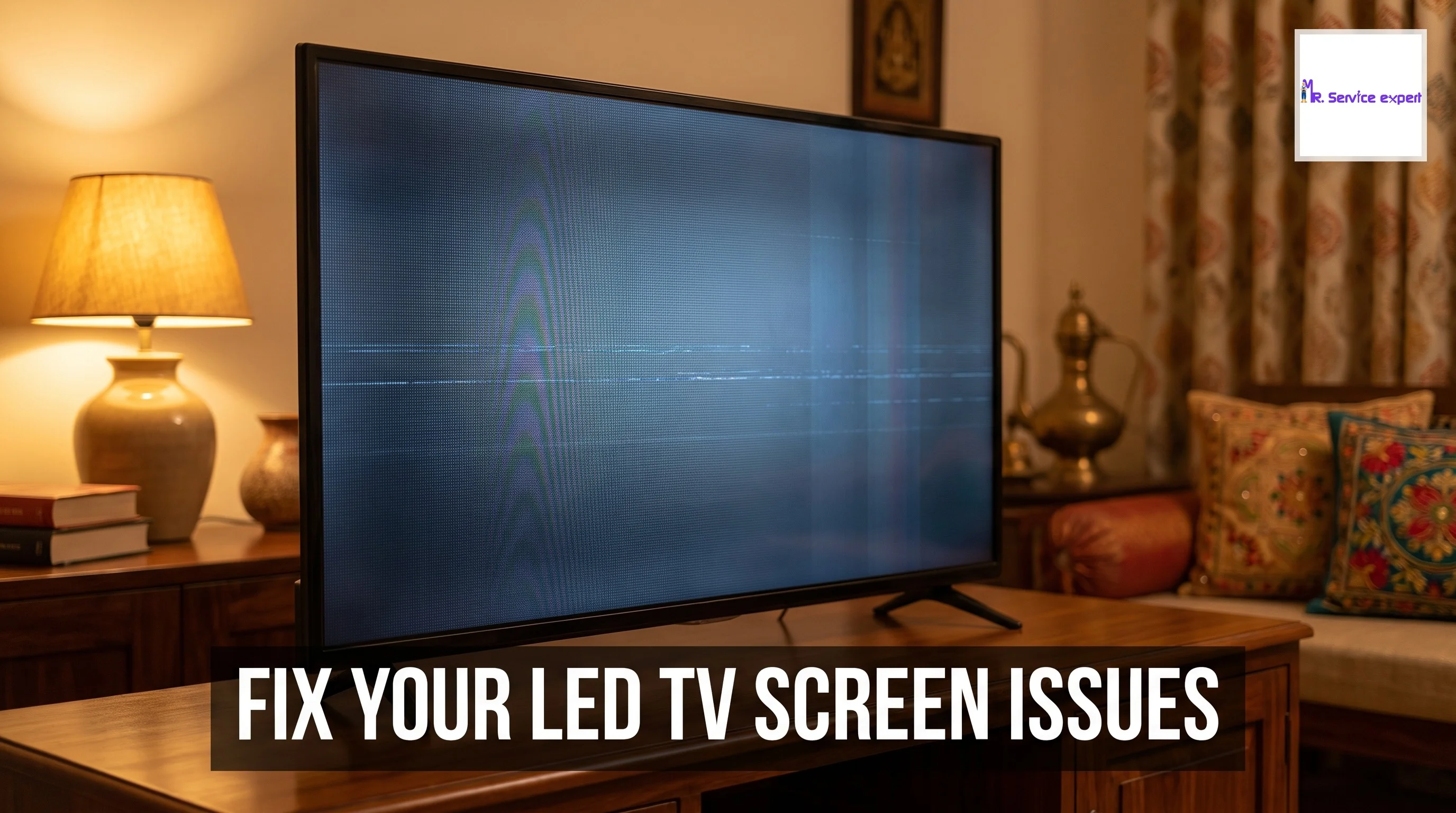
LED TV Screen Issues: Common Problems and Repair Solutions
Your LED TV screen problem can turn a relaxing evening into a frustrating experience. Whether you're settling down to watch your favorite show or catching up on the latest cricket match, display issues can strike without warning. Modern LED TVs and smart TVs are engineering marvels, but like all electronic devices, they're susceptible to various screen problems that can disrupt your viewing experience.
Understanding common LED TV screen problems is the first step toward finding effective solutions. From annoying flickering and horizontal lines to complete screen blackouts, these issues affect millions of Indian households every year. The good news is that many screen problems have straightforward fixes, and knowing when to attempt a DIY solution versus calling a professional can save you both time and money.
The Indian market has seen tremendous growth in LED TV ownership, with penetration reaching urban and rural areas alike. With this widespread adoption comes the inevitable need for Led Tv Repair services. Statistics show that screen-related issues account for nearly 40 percent of all television repair requests in India, making it crucial for owners to recognize symptoms early and take appropriate action.
Smart Tv Repair has become increasingly specialized as televisions incorporate more advanced features like 4K resolution, HDR, and internet connectivity. A simple screen problem might stem from software glitches, hardware failures, or connection issues. Understanding the root cause helps determine whether you need basic troubleshooting or professional intervention from a Smart tv Technician.
This comprehensive guide explores the most common LED TV screen problems, their underlying causes, and practical repair solutions. We'll help you protect your appliances by identifying warning signs early and making informed decisions about repairs. Whether you're dealing with minor display glitches or serious screen damage, you'll find valuable insights to restore your viewing experience.
Understanding LED TV Screen Technology and Common Failures
LED televisions use light-emitting diodes to illuminate a liquid crystal display panel. This technology has revolutionized home entertainment by delivering superior picture quality, energy efficiency, and slim designs. However, the complexity of LED TV screens makes them vulnerable to specific types of failures that manifest as visible display problems.
The screen consists of multiple layers including the LED backlight, LCD panel, polarizers, and protective glass. Each component plays a critical role in image formation. When any layer malfunctions, you'll notice symptoms ranging from subtle discoloration to complete picture loss. Understanding this architecture helps diagnose where problems originate and what LED TV repair approach is necessary.
Backlight failures are among the most frequent issues affecting LED screens. The backlight provides illumination for the LCD panel, and when LED strips fail, you'll experience dark screens, dim pictures, or uneven brightness. These problems often develop gradually, giving you time to arrange for smart TV repair before total failure occurs.
Panel degradation represents another common category of screen problems. The LCD panel itself can develop dead pixels, stuck pixels, or larger areas of discoloration. While individual dead pixels might be tolerable, clusters or lines of damaged pixels significantly impact viewing quality and typically require panel replacement through professional TV Repair Service.
Driver board issues can create various display anomalies including color distortion, ghosting, and image retention. These electronic components control how signals translate into visual information on your screen. When driver boards malfunction, you might see correct content with incorrect colors, doubled images, or persistent shadows after changing channels.
Most Common LED TV Screen Problems and Their Symptoms
Recognizing specific screen problems helps you communicate effectively with technicians and understand repair complexity. Here are the most prevalent issues affecting LED TVs in Indian homes:
Vertical or Horizontal Lines
Lines appearing across your screen typically indicate T-con board failures or loose ribbon cable connections. Vertical lines often stem from T-con issues, while horizontal lines might point to panel defects. These problems require immediate attention as they can worsen rapidly, potentially leading to complete screen failure.
Flickering or Flashing Screen
Screen flickering creates an uncomfortable viewing experience and usually results from backlight problems, loose connections, or power supply issues. Intermittent flickering might occur only at certain brightness levels or when specific content plays. This symptom deserves prompt investigation to prevent more serious damage requiring extensive LED TV repair.
No Picture But Sound Works
When audio plays normally but the screen remains black, you're likely dealing with backlight failure or inverter board problems. Shining a flashlight at the screen might reveal faint images, confirming the backlight isn't functioning. This common issue affects LED TVs of all brands and typically requires component replacement.
Color Distortion and Tinting
Abnormal colors, pink or green tints, or complete loss of specific colors indicate panel issues, T-con board failures, or cable connection problems. Color issues that appear suddenly often stem from loose connections, while gradual color shifts might signal aging components needing professional smart TV repair.
Cracked or Physically Damaged Screens
Physical screen damage from impacts creates visible cracks, black spots, or bleeding areas where liquid crystals have leaked. Unfortunately, cracked screens usually require complete panel replacement, which represents the most expensive repair option. Prevention through careful handling and proper tv installaton remains the best approach.
Screen Burn-in and Image Retention
While less common in LED TVs than older plasma models, image retention can occur when static content displays for extended periods. You might notice ghost images of channel logos or game interfaces. Modern panels include protection features, but older models remain susceptible to this permanent damage.
Clouding and Backlight Bleeding
Clouding appears as uneven brightness across the screen, particularly noticeable during dark scenes. Backlight bleeding shows as bright spots or patches around screen edges. Both issues relate to backlight distribution problems and can worsen over time without proper LED TV repair intervention.
Diagnosing Your LED TV Screen Problem
Accurate diagnosis is crucial before attempting repairs or hiring a smart tv technician. Follow this systematic approach to identify your specific screen issue:
Visual Inspection Process
Begin with a thorough visual examination in a well-lit room. Check for obvious physical damage like cracks, dents, or loose components. Examine the screen surface for scratches or pressure marks that might indicate impact damage. Look at the screen from different angles to spot issues that appear only at certain viewing positions.
Testing Different Input Sources
Connect multiple devices to your TV to determine whether the problem relates to a specific input. Try different HDMI ports, switch between cable TV and streaming devices, and test with various content types. If the screen problem appears regardless of input source, the issue lies within the TV itself rather than external devices.
Checking Cable Connections
Loose or damaged cables cause numerous display problems that mimic more serious hardware failures. Unplug and firmly reconnect all cables including power, HDMI, and antenna connections. Inspect cables for visible damage, fraying, or bent pins. Replace suspect cables before assuming internal component failure.
Performing Factory Reset
Software glitches in smart TVs can create display anomalies that resemble hardware problems. Access your TV's settings menu and perform a factory reset to eliminate software-related issues. This step is particularly important for smart TV repair scenarios where connectivity features might interfere with display functions.
Testing in Safe Mode
Many modern smart TVs offer safe mode or diagnostic modes that bypass certain features to isolate problems. Consult your user manual for instructions on accessing diagnostic tools. These built-in tests can identify specific component failures and provide valuable information for professional technicians.
DIY Solutions for Minor LED TV Screen Problems
Before calling for professional TV repair service, try these helpful solutions for common issues that don't require technical expertise:
Adjusting Picture Settings
Many perceived screen problems actually stem from incorrect picture settings. Navigate to your TV's picture menu and reset settings to factory defaults. Adjust brightness, contrast, and color temperature to optimal levels for your viewing environment. Disable unnecessary image processing features that might create artifacts or motion issues.
Power Cycling the Television
A complete power cycle can resolve temporary glitches affecting screen performance. Turn off your TV, unplug it from the wall outlet, and wait at least two minutes before reconnecting power. This process clears temporary memory and resets electronic components, often resolving flickering, color issues, and minor display anomalies.
Updating Firmware and Software
Outdated firmware causes various smart TV repair issues including screen problems. Access your TV's settings menu, navigate to system updates, and install any available firmware. Ensure your TV connects to stable internet during updates. Regular updates prevent bugs and improve compatibility with modern content formats.
Securing Loose Connections
Internal cable connections can work loose over time due to vibration or temperature changes. If you're comfortable opening your TV's back panel, carefully check and reseat ribbon cables connecting the T-con board and panel. Use caution and disconnect power before opening any electronic device. This casual approach to basic maintenance can protect your appliances from preventable failures.
Degaussing and Screen Cleaning
Magnetic interference rarely affects LED TVs but can impact picture quality in some cases. Move speakers, magnets, and electronic devices away from your television. Clean the screen using microfiber cloths and appropriate cleaning solutions designed for LED displays. Avoid harsh chemicals that damage protective coatings.
When to Call Professional LED TV Repair Services
Recognizing when DIY attempts should stop and professional intervention begins protects both your safety and your television investment. Consider these situations that require expert LED TV repair:
Complex Component Replacement
Backlight strips, T-con boards, power supply units, and main circuit boards require technical knowledge and specialized tools to replace safely. These components carry electrical charges even when unplugged and pose serious safety risks. Professional smart tv technician services have the expertise and equipment to handle these repairs properly.
Screen Panel Replacement
Replacing the actual LCD panel represents the most complex and expensive repair option. Panel replacement requires clean room conditions, precision handling, and specific tools. The cost of panel replacement often approaches the price of a new television, making professional assessment crucial before proceeding with this repair.
Warranty Coverage Situations
If your LED TV remains under manufacturer warranty or extended service plan, attempting DIY repairs voids coverage. Contact authorized service centers for warranty repairs even for seemingly simple problems. Documentation of professional repairs maintains warranty validity and ensures proper parts are used.
Recurring or Worsening Problems
Screen issues that return after temporary fixes or continue deteriorating indicate underlying problems requiring thorough diagnosis. Intermittent problems are particularly challenging to diagnose and benefit from professional troubleshooting equipment that monitors TV performance over time.
Time and Cost Considerations
Calculate whether your time investment in DIY repair attempts makes economic sense. Professional TV repair service providers complete most repairs within hours or days, whereas DIY approaches might take weeks of trial and error. Factor in the cost of tools, replacement parts, and potential additional damage from incorrect repairs.
Comparing LED TV Repair Options and Costs
Understanding repair costs helps you make informed decisions about fixing versus replacing your television. Here's a helpful comparison of typical repair scenarios in the Indian market:
| Screen Problem | Repair Complexity | Estimated Cost (INR) | Repair Time | DIY Feasible |
|---|---|---|---|---|
| Backlight Strips | Medium | 2000-5000 | 2-3 days | No |
| T-con Board | Medium | 1500-4000 | 1-2 days | No |
| Power Supply | Medium | 1000-3000 | 1-2 days | No |
| Cable Connections | Low | 500-1000 | Same day | Sometimes |
| Software Issues | Low | 300-800 | Same day | Yes |
| Panel Replacement | High | 8000-25000 | 3-7 days | No |
| Main Board | High | 3000-7000 | 2-4 days | No |
These cost estimates vary based on TV size, brand, and location. Urban areas like Mumbai, Delhi, and Bangalore typically charge higher service fees than smaller cities. Always request detailed estimates before authorizing repairs to avoid unexpected costs.
Preventing LED TV Screen Problems
Taking proactive measures significantly reduces the likelihood of screen issues and extends your television's lifespan. Implement these protective strategies:
Proper Ventilation and Placement
LED TVs generate heat during operation that must dissipate properly. Ensure adequate space around your television for airflow, avoiding enclosed cabinets without ventilation. Maintain at least 10 centimeters clearance on all sides. Proper tv installaton includes positioning away from direct sunlight, heat sources, and humid environments that accelerate component degradation.
Surge Protection and Power Management
Voltage fluctuations common in Indian electrical systems cause significant damage to sensitive TV electronics. Invest in quality surge protectors or voltage stabilizers, particularly in areas experiencing frequent power fluctuations. During thunderstorms, unplug your TV completely to prevent lightning-induced damage that typically isn't covered by warranty.
Regular Cleaning and Maintenance
Dust accumulation inside your TV impedes cooling and can cause overheating-related failures. Gently vacuum external vents monthly using soft brush attachments. Schedule annual professional cleaning for comprehensive internal dust removal. Keep the screen surface clean using appropriate methods to prevent buildup that affects display quality.
Careful Handling During TV Installaton
Most screen damage occurs during mounting, moving, or cleaning. Always handle your LED TV with two people, supporting both the frame and screen. Avoid pressing on the screen surface during installation. Use proper wall mounts rated for your TV's weight and size, ensuring secure attachment to prevent falls.
Optimal Settings for Screen Longevity
Excessive brightness accelerates backlight degradation and increases power consumption. Calibrate picture settings to comfortable viewing levels rather than maximum brightness. Enable power-saving modes when appropriate. Avoid displaying static images for extended periods to prevent burn-in, particularly with older LED models.
Smart TV Repair Considerations for Modern Features
Smart TVs introduce additional complexity beyond traditional LED TV repair scenarios. These connected devices face unique challenges requiring specialized knowledge:
Software and Firmware Issues
Smart TV operating systems can develop bugs affecting display performance. Regular updates prevent many problems, but occasionally updates introduce new issues. Professional smart tv technician services stay current with known software problems and appropriate solutions for different smart TV platforms.
Connectivity-Related Display Problems
Network connectivity issues sometimes manifest as screen problems, particularly with streaming content. Buffering, resolution changes, and format compatibility can create display artifacts. Distinguish between content delivery issues and actual screen problems before pursuing LED TV repair services.
App-Specific Display Issues
Individual applications might have bugs causing screen problems when other content displays normally. Test multiple apps and content sources to isolate app-specific issues. Update problem apps or reinstall them before concluding hardware failure causes the display issues you're experiencing.
HDMI-CEC and External Device Conflicts
Modern smart TVs communicate with connected devices through HDMI-CEC protocols. Conflicts between devices can cause strange display behavior, unexpected input switching, or screen blanking. Disable HDMI-CEC temporarily to determine whether external device communication causes your screen problems.
Types of LED TV Screen Panels and Repair Implications
Different panel technologies affect both screen problem manifestations and repair approaches. Understanding your panel type helps set realistic repair expectations:
IPS Panels
In-Plane Switching panels offer superior viewing angles and color accuracy but are more susceptible to backlight bleed and clouding. IPS panel LED TV repair often addresses uneven brightness distribution. These panels are common in mid-range to premium televisions sold in India.
VA Panels
Vertical Alignment panels deliver excellent contrast ratios and deep blacks but have narrower viewing angles. VA panels resist burn-in better than other types but can develop uniformity issues over time requiring professional attention.
Related Blogs
- AC Not Cooling Properly? Top Reasons and Quick Fixes
- Microwave Oven Not Heating Food? Discover Why and How to Fix It Quickly
- Geyser Not Heating Water? Troubleshooting Guide
- Kitchen Chimney Not Suctioning Smoke? Common Causes
- How Often Should You Service Your RO Water Purifier for Clean Drinking Water?